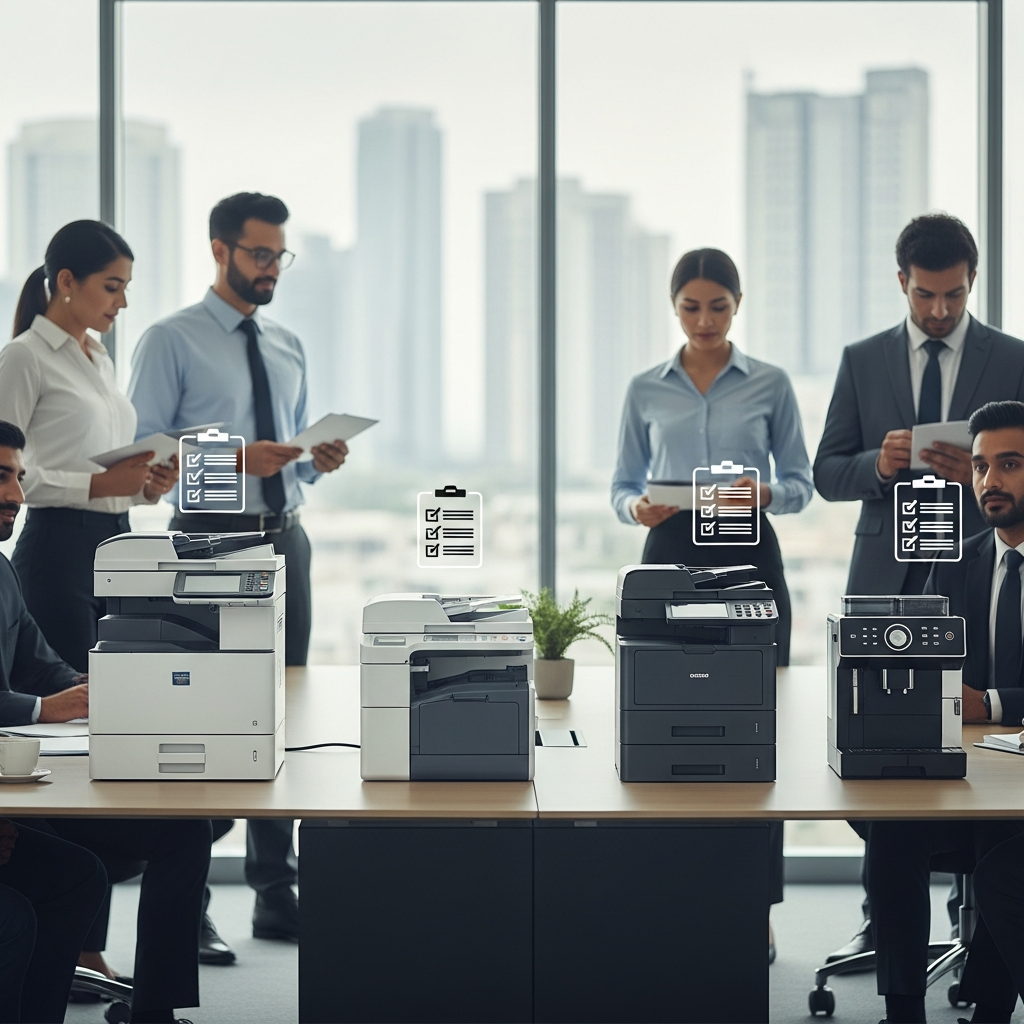
Your Ultimate Office Machine Maintenance Checklist: Daily, Weekly & Monthly Tasks
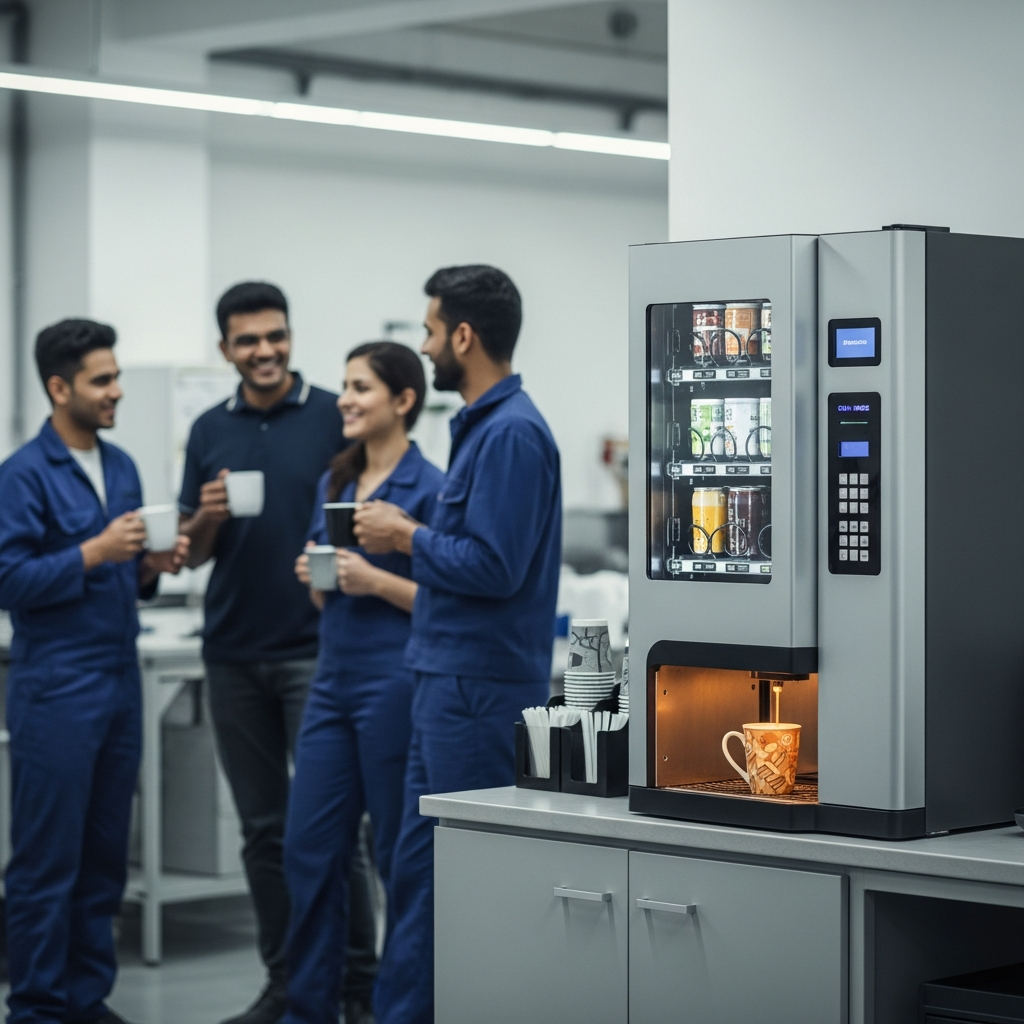
Picture this: it’s Monday morning in your bustling Karachi office. The weekly report is due, the team is buzzing, and the first thing everyone needs is a fresh cup of coffee. But the coffee machine is sputtering. A few minutes later, someone needs to print the report, but the printer flashes a mysterious error code. Suddenly, a smooth start to the week grinds to a halt. This scenario is all too common in offices across Pakistan, where the daily workhorses—our printers, coffee makers, and computers—are often neglected until they break down completely.
Preventing this chaos is simpler than you think. Proactive maintenance is the secret to keeping your office running like a well-oiled machine. It’s not about spending hours tinkering with equipment; it’s about establishing simple, consistent routines. This comprehensive guide provides a daily, weekly, and monthly checklist to ensure your office equipment remains reliable, efficient, and ready for whatever the workday throws at it. By investing a few minutes each day, you can save hours of downtime and significant repair costs in the long run.
Why Regular Maintenance Isn’t Just a Task—It’s an Investment
Before we dive into the checklists, let’s understand why this is so crucial. Treating your office machines with care is a direct investment in your business’s productivity and financial health. The benefits are clear and compelling:
- Extends Equipment Lifespan: Just like a car, regular tune-ups prevent minor issues from becoming major, costly breakdowns. A well-maintained printer or coffee machine can serve your office for years beyond its expected lifespan.
- Reduces Costly Repairs: Emergency repair calls are expensive and disruptive. A simple daily wipe-down or a monthly filter change can prevent the build-up of dust and grime that often leads to component failure.
- Boosts Office Productivity: How much time is lost when an essential machine is out of order? Employees are left waiting, deadlines are missed, and frustration mounts. Reliable equipment means a smooth, uninterrupted workflow.
- Improves Safety and Hygiene: Neglected machines, especially coffee makers and water dispensers, can become breeding grounds for bacteria. Regular cleaning ensures a healthier environment for your team.
- Enhances Output Quality: A clean printer produces crisp, clear documents. A well-maintained coffee machine brews a perfect, delicious cup every time. Quality in, quality out.
The Daily Maintenance Checklist: The 5-Minute Power-Up
These tasks are quick, easy, and should become a closing-time or opening-time ritual for designated staff. They take less than five minutes but make a world of difference.
Printers, Scanners & Photocopiers
- Visual Inspection: Give the machine a quick look-over. Check for any visible paper jams in the trays or output slots.
- Check Supplies: Glance at the control panel to check ink or toner levels and paper tray status. Restock paper so it’s ready for the next person.
- Exterior Wipe-Down: Use a dry microfiber cloth to wipe down the exterior surfaces, including the control panel and scanner lid. This prevents dust from accumulating and entering the machine.
Coffee Machines (Bean-to-Cup & Drip)
- Empty the Drip Tray & Grounds Container: This is the single most important daily task. Leaving old coffee grounds and water overnight can lead to mould and bad odours.
- Wipe Down Surfaces: Clean the exterior, the steam wand (if applicable), and the area around the machine to remove coffee splashes and water spots.
- Check Bean & Water Levels: Refill the water tank with fresh, filtered water and top up the coffee beans. No one wants to be the one to do this first thing in the morning!
Computers & Laptops
- Shut Down Properly: Encourage employees to shut down their computers properly at the end of the day, rather than just putting them to sleep. This clears the RAM and allows for updates to install.
- Wipe Keyboard & Screen: A quick wipe with a dedicated screen cloth and a brush for the keyboard removes dust and germs from these high-touch surfaces.
The Weekly Maintenance Checklist: The Mid-Week Tune-Up
Set aside 15-20 minutes every Friday afternoon for these slightly more involved tasks. This is your chance to catch issues before they impact the following week.
Printers, Scanners & Photocopiers
- Clean the Scanner Glass: Use a lint-free cloth and a small amount of glass cleaner to wipe the scanner flatbed and the document feeder glass. Streaks and dust on the glass will show up on every scan.
- Run a Cleaning Cycle: Most modern printers have a built-in maintenance function for print head cleaning or nozzle checks. Running this weekly ensures sharp, high-quality prints.
- Check for Driver Updates: Have your IT person or office manager quickly check the manufacturer’s website for any new software or driver updates to improve performance and security.
Coffee Machines
- Deep Clean the Brew Group: For automatic espresso machines, the brew group is the heart of the machine. Most are removable. Take it out and rinse it thoroughly with warm water (no soap!) to remove old coffee oils.
- Clean Milk Frothers/Systems: If your machine has a milk system, run a cleaning cycle with a dedicated milk system cleaner. This prevents blockages and ensures hygiene.
- Wipe Hoppers: Empty the bean hopper and wipe it out with a dry cloth to remove coffee oils that can become rancid and affect the taste of your coffee.
Office Shredders
- Oil the Blades: A shredder needs lubrication to function smoothly. Run a shredder lubricant sheet through it or apply shredder oil in a zigzag pattern on a piece of paper and shred it.
- Check for Deep Jams: Unplug the shredder and carefully check the blades for any small, stubborn pieces of paper that might be causing friction.
The Monthly Maintenance Checklist: The Deep-Dive Refresh
Once a month, schedule an hour to perform a deep clean and inspection of your key office equipment. This is your most important preventative step.
Printers, Scanners & Photocopiers
- Internal Cleaning: Unplug the printer. Open it up and use a can of compressed air to gently blow out dust, paper debris, and toner particles from the internal components. Be careful not to touch sensitive parts.
- Wipe Rollers: Using a lint-free cloth lightly dampened with isopropyl alcohol, gently wipe the paper pickup rollers to restore their grip and prevent paper jams.
- Review Usage Reports: Print a status report to check the total page count and the status of consumables like fusers or drum units, planning for their replacement in advance.
Coffee Machines
- Run a Descaling Cycle: In Pakistan, water hardness can vary. Limescale build-up is a leading cause of machine failure. Use a manufacturer-approved descaling solution and run a full descaling cycle according to the machine’s manual.
- Replace Water Filter: If your machine uses a water filter in its tank, replace it monthly or as recommended by the manufacturer. This improves coffee taste and reduces limescale.
- Inspect Seals and Gaskets: Visually inspect any accessible rubber seals and gaskets for signs of wear or cracking.
Computers & Laptops
- Run Full Security Scans: Schedule a deep antivirus and anti-malware scan to ensure systems are clean and secure.
- File Management & Backups: Encourage staff to clean up their desktops and delete unnecessary files. Run a full system backup to protect critical data.
- Clean Vents and Fans: The hot and dusty climate in cities like Lahore and Faisalabad can clog computer vents quickly. Unplug the device and use compressed air to clear out dust from all ventilation ports to prevent overheating.
Air Conditioners & Air Purifiers
- Clean or Replace Filters: This is non-negotiable for office health in Pakistan. A clogged AC or purifier filter circulates dust and allergens and makes the unit work harder, increasing electricity bills. Clean or replace the filters monthly.
Keeping Your Office in Motion
By integrating these simple checklists into your office routine, you transform equipment maintenance from a reactive chore into a proactive strategy. You empower your team, protect your investments, and create a more efficient and pleasant working environment. A well-cared-for office is a productive office.
Of course, some tasks require a professional touch. For complex repairs, expert servicing, or when you’re looking to upgrade to reliable, high-performance office solutions, a trusted partner makes all the difference. At Bloom & Brew, we specialize in providing top-tier office machines and the expertise to keep them running perfectly, so you can focus on what you do best: growing your business.
Frequently Asked Questions (FAQ)
1. How often should we professionally service our main office printer?
For a high-usage office photocopier or multifunction printer, we recommend a professional service check-up at least once a year. For smaller desktop printers, every 18-24 months is sufficient, unless you notice recurring issues. A professional technician can perform deep cleaning and diagnostics that go beyond this checklist.
2. Can we use homemade cleaning solutions, like vinegar, on our coffee machine?
We strongly advise against it. While vinegar is a descaler, it can be too acidic for the delicate internal components, like rubber seals and aluminium boilers, found in many modern coffee machines. This can cause permanent damage. Always use the manufacturer-recommended descaling and cleaning solutions to protect your warranty and the machine itself.
3. What’s the biggest machine maintenance mistake offices in Pakistan make?
One of the most common and damaging mistakes is ignoring environmental factors. The high levels of dust in many cities and frequent power fluctuations can be harsh on electronics. Not using a good quality surge protector (stabilizer) for sensitive equipment like printers and computers is a major oversight. Similarly, neglecting to clean AC and computer fan filters regularly leads to overheating and premature failure.
4. How does regular maintenance affect our electricity bills?
It has a significant positive impact. A machine clogged with dust, like an AC or a computer fan, has to work much harder to cool itself, drawing more power. A printer with worn rollers might make multiple attempts to pick up paper, wasting energy. A coffee machine with heavy limescale build-up takes longer to heat water. Clean, efficient machines consume less electricity, leading to noticeable savings on your monthly K-Electric or LESCO bill.
5. What are the signs that a machine needs professional repair, not just maintenance?
Look out for these red flags: unusual noises (loud grinding, clicking, or whining), recurring error codes that aren’t solved by the user manual’s troubleshooting steps, a noticeable decline in quality (e.g., blurry prints, weak coffee), smoke or a burning smell (unplug immediately!), or any physical damage to the machine’s casing or critical components. If you’ve performed the standard maintenance and the problem persists, it’s time to call a professional.